
Account And PreferencesWeb and mobileAthletes6 min
Profile And Training Setup
Update the training profile details that shape recommendations, schedule defaults, and how Kiron describes your account.
Updated May 9, 2026
Settings Are Not Only Onboarding
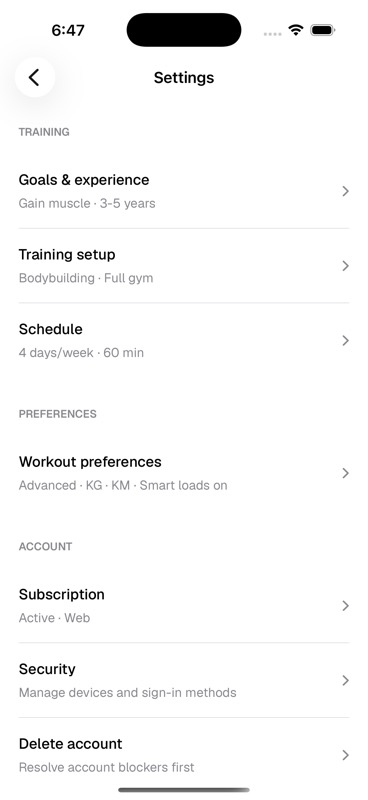
Onboarding captures the first version of your profile. Settings are where you keep that profile current as your goal, equipment, schedule, or preferences change.
- Goals and experience
- Training goal, experience range, injuries or limitations, and the context Kiron should keep in mind when presenting training.
- Training setup
- Training style, available equipment, and where the work normally happens.
- Schedule
- How many days per week you normally train and the usual session length.
- Workout preferences
- Tracking mode, smart loads, load unit, and distance unit.
When To Revisit These Settings
- Your available equipment changes.
- You move from simple logging into more detailed programming.
- You switch from kilometres to miles or kilograms to pounds.
- Your schedule changes enough that planned programs feel wrong.