
Mobile TrainingMobileAthletes5 min
Mobile Settings That Affect Training
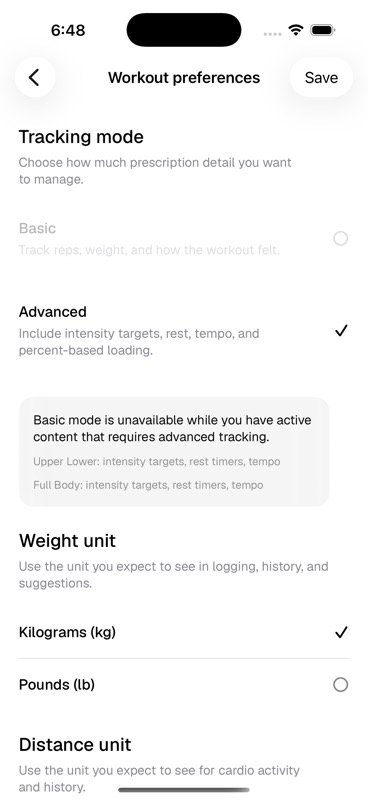
Keep tracking mode, units, smart loads, schedule, and training setup visible from the device you train with.
Updated May 9, 2026
Settings Worth Checking Before A Block
- Tracking mode matches the level of detail in your programs.
- Weight and distance units match what you expect to log.
- Smart loads are on only when you want starting load suggestions.
- Schedule and equipment still match your actual training setup.